
Connect your systems and stop retyping data by hand
I connect your shop, CRM, ERP and other tools into one process. Data reaches the right place and your team no longer has to chase repetitive steps.
Let's discuss your automation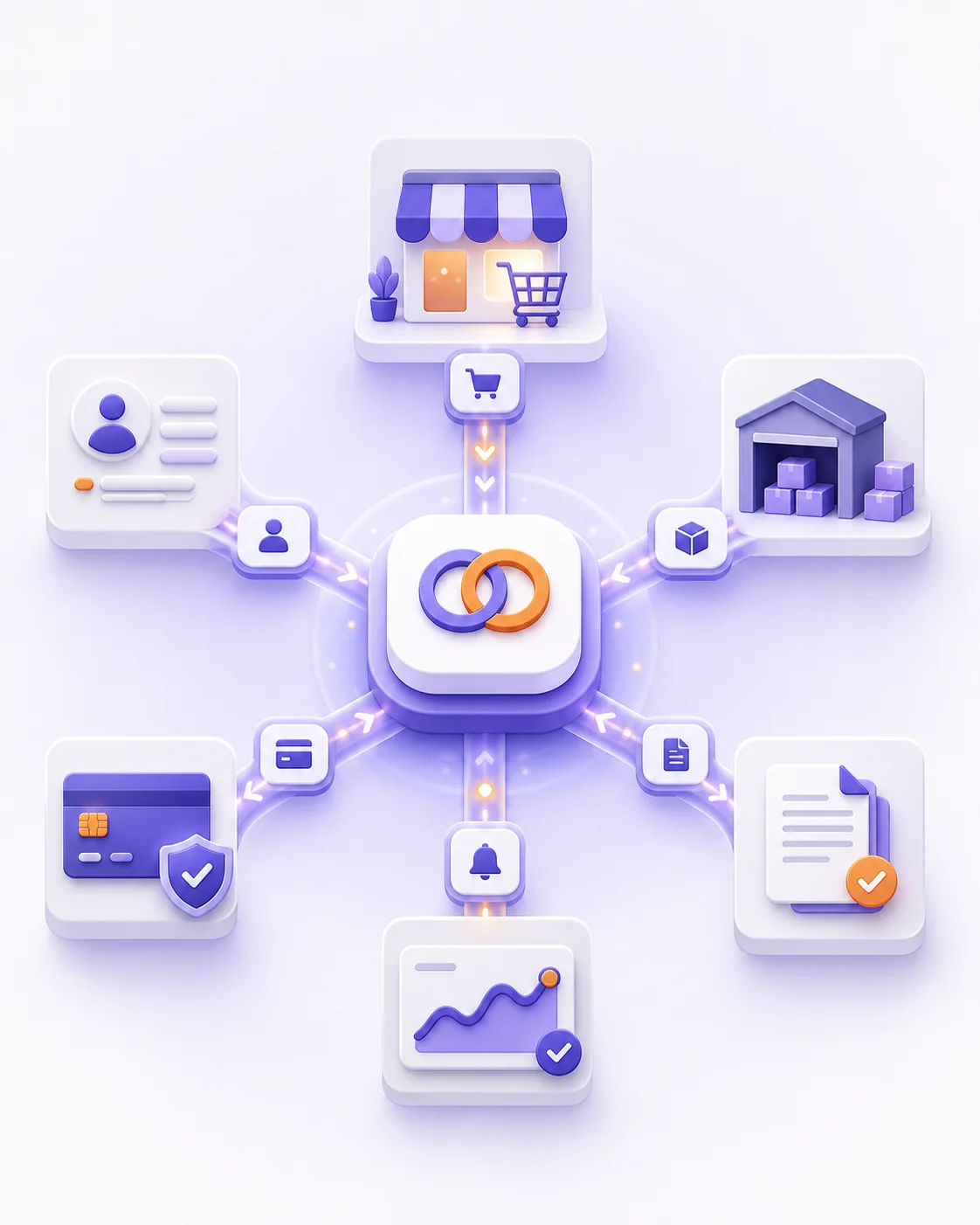
Sounds familiar?
Connecting systems should not mean retyping data by hand
The shop, CRM, ERP and payments often work separately. Someone has to move an order, update a status or send a document. When they forget, the process stops.
The same order has to be entered again in the next system
Data from the shop, a form or an email does not reach the CRM or ERP on its own. Someone opens the second tool and types in what is already in the first.
A status change in one tool never reaches the others
The team checks several places to see whether the order went through, the payment arrived and the customer was informed.
Invoices, emails and notifications wait for someone to remember them
Someone has to remember to send a document, change a status or follow up on the next step. One missed step stops the whole case.
When the person who knows the process is away, everything stops
The steps live in one person's head, not in the system. A holiday, sick leave or a busy week is enough for a case to get stuck.
Show me which systems do not pass data to each other today. I will choose the integration or automation that connects them.
Tell me about your processWhat I can do
I connect systems and remove repetitive steps from the team
I start from the process that today means retyping, watching statuses or sending messages by hand. Then I connect the tools you already use and automate what does not need a person.
Connecting your shop, CRM, ERP and payments
The order, the customer and the payment reach the right system without being typed in again.
The shop order appears in the CRM or ERP
The payment status returns to the shop and the team
Customer details are not entered a second time
Automatic documents, statuses and notifications
After a specific event the system prepares a document, changes a status or informs the right people.
An invoice, contract or confirmation after an order
A notification for the customer and for the team
A consistent status in every tool
Handling enquiries, reports and data
Enquiries, reports and moving data do not wait for someone to remember them.
A new enquiry reaches the right place straight away
A report or export without assembling a spreadsheet
A reminder when a case is stuck
Technologies I work with
How we work together
From a problem to a working solution
You do not need a finished specification or a chosen technology. First, we decide what is worth doing and which first step lets the project move forward safely.
01
You describe the problem or process
You show me what is not working today, requires manual work or takes too much of your team's time. I ask about the goal, the systems you use and the important exceptions.
02
We agree on the first stage
When the scope is clear, you receive a work proposal and an initial estimate. When there are more unknowns, we start with a short paid analysis, specification or prototype.
03
I deliver the solution in stages
Each stage has an agreed scope and result. I show progress regularly, test the important cases and discuss changes before they increase the time or cost of the work.
04
We launch and check the result
I launch the solution, hand over the information you need and we check whether it actually improves the process. Then we can close the project or plan the next stage or ongoing support.